LTX 2.5 speed numbers and the model swap that broke them
A 5 second LTX 2.5 clip takes 27 seconds on one RTX 5090. Three of the four numbers I published first were wrong. One hidden model load of 27 seconds caused all three.
The numbers, measured warm
| Run | DiffVAE | Conv VAE |
|---|---|---|
| Two stage (default) | 27 s | 18 s |
| Single stage | 33 s | 24 s |
| Image to video, two stage | 27 s | not measured |
| First run with a new prompt text | +27 s | +27 s |
| Upscale x2 with the vendor IC-LoRA | 280 s | not measured |
LTX 2.5, release date 11 August 2026. Distilled 22B transformer, int8. One RTX 5090 with 32 GB, ComfyUI 0.32.0. Clip: 121 frames at 24 fps, 1280x704, video and generated audio. About 60 runs, median of three seeds for each value.
The cause
The text encoder needs 14.3 GB. The transformer needs 21.5 GB. The card has 32 GB. The two models do not fit together.
So ComfyUI loads the encoder, encodes the prompt, removes the encoder, and then loads the transformer. If you change one word in the prompt, you pay the 27 seconds again.
That one cost is larger than each setting that I wanted to compare. My benchmark tool started the single stage mode first, so single stage paid for the load. This is how “two stage is 2.3x faster” became a written fact. The real gap is 18 percent.
Run the same command two times and change only the seed:
cold text: single stage 60.2 s | two stage 27.1 s
warm text: single stage 33.1 s | two stage 27.1 s
Three rules for any ComfyUI benchmark
1. Discard a warm up run. If two models do not fit in the VRAM together, the variant that runs first looks worst. It carries a load that the other runs do not pay. Keep the prompt text constant for the whole series.
2. Change the seed, never repeat a run. An identical graph comes back from the
execution cache in about 3 seconds, and the history shows gpu 0.0. If you repeat a
run to confirm a number, the confirmation measured nothing. A new seed costs the same
compute and misses the cache.
3. Group by component, never alternate. I compared two VAEs and swapped them between the runs. Each run then paid for a model load, but the last run did not. The expensive setting came out 15 seconds in front of the cheap one, which is backwards.
Each rule cost one full pass of about 60 runs before I found it.
What the settings do
The Conv VAE gives the only large speed increase. It is a third faster in two stage mode and a quarter faster in single stage mode. I see no quality loss at 1280x704. The reports of 3x to 8x come from configurations with heavy decode work. This card does not show them.
At CFG 1 the negative prompt does nothing. ComfyUI does not do the unconditional pass if the guidance is 1.0. The supplied template sets 1.0 and supplies a negative prompt with it, so the template gives you a control that is not connected.

The negative prompt asks for no green grass and no trees. At CFG 1 both are there. At video CFG 1.5 both are gone. At the same 1.5, with an empty negative prompt, both come back. The third frame is the control, and it shows that the negative prompt did the work, not the guidance value. The change costs 22 percent more time, because the two passes run in one batch.
If you increase only the audio CFG, you get the worst result. The video branch stays at 1.0. You pay the full time and the picture does not change.
For the upscaler, remove steps. Do not lower the strength. The vendor gives two methods to stay near to the source: a lower LoRA strength, or fewer sigmas. Only fewer sigmas removes work, so only that method saves time.
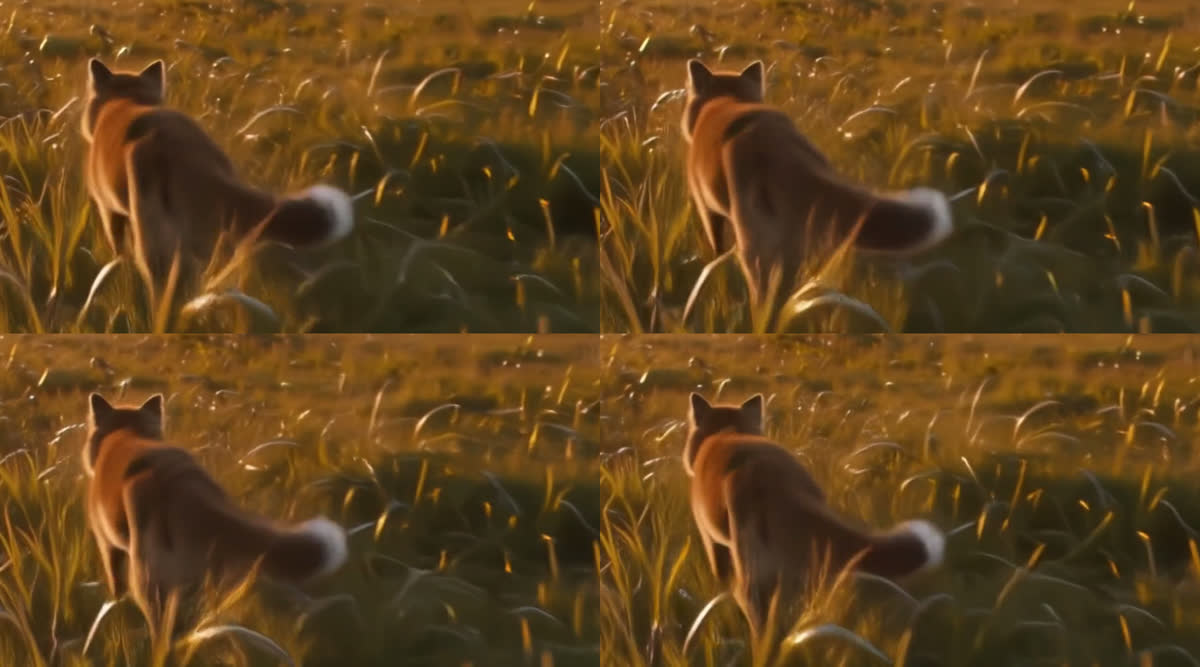
Trim 2 costs 23 percent less time and takes almost nothing off the fur. Trim 4 costs 42 percent less and the fur gets clearly soft. LoRA strength 0.7 removes no step, still costs the full 280 seconds, and moved the picture almost not at all.
The duration head predicts the action, not the prompt. The prompt “a cat yawns” gave 5.03 seconds. A dense paragraph with six sentences gave 3.79 seconds. Use the duration head to give a shot more time. Do not use it to set a length.
Three ways to beat the swap
The encoder in the system RAM works, and it is not worth it. The encoder loads as fp16 and the transformer stays in the VRAM. But a CPU encode takes 134 seconds against a 27 second swap. The cure is five times the cost of the problem.
A smaller encoder does not exist. Lightricks supply bf16 with 24.5 GB and int8 with 14.3 GB. The small file was already installed.
The encoder on a second GPU is still open. First I wrote that ComfyUI cannot do
this, because the loader node gives only default and cpu. That was wrong. ComfyUI
supplies SelectCLIPDevice in comfy_extras/nodes_multigpu.py with default, cpu
and gpu:N. I examined the loader and stopped there.
Warning: two traps guard that path, and both look like success. My service starts
with --cuda-device 0, so the second card is invisible, and the node does not fail if
the device is absent. It writes a log line and sends the encoder through unchanged.
And an open report
against the equivalent custom node describes the encoder on card two, more VRAM
there, a complete run, and a black video.
Each of those signals reads as success on a dashboard. Judge a speed win on the frames, not on the clock.